

You don't need to know a single line of code to manage website without technical skills and still look completely professional online. Millions of small business owners and individuals are running polished, high-performing websites today using tools that handle the hard parts for them. The barrier isn't knowledge anymore. It's knowing where to start, which tools actually work, and how to avoid the traps that waste your time and money. This guide gives you all three.
Table of Contents
- Key Takeaways
- How to manage a website without technical skills
- Step-by-step: building and managing your site without coding
- Common challenges when managing a site without coding
- AI and automation tools that save you time
- Comparing platforms for long-term ease of use
- My honest take on managing websites without coding
- How Thomasdesigns can take your site further
- FAQ
Key Takeaways
| Point | Details |
|---|---|
| Define your goals first | Know whether you need a blog, portfolio, or store before choosing any platform. |
| No-code tools cover most needs | Platforms like Wix and Squarespace let you build a website easily without writing code. |
| AI builders save serious time | AI-powered tools can build a working site in under five minutes from a plain description. |
| Platform choice affects growth | Picking the wrong platform now can cause costly migrations and frustration later. |
| Human oversight still matters | Automation handles routine tasks, but you should review your site regularly for accuracy and performance. |
How to manage a website without technical skills
Before you touch a single platform, spend ten minutes getting clear on what your website actually needs to do. A local bakery and a freelance photographer have very different requirements, even though both just need "a website." Getting this wrong is the number one reason people end up switching platforms six months in, which costs time, money, and sometimes your search rankings.
Start by asking yourself these questions:
- What is the primary goal? Selling products, booking appointments, showcasing a portfolio, or publishing blog content all point to different platform strengths.
- How often will you update it? A static portfolio might need changes once a month. A news blog needs daily updates.
- What is your real budget? Free plans exist but come with branding limitations and restricted features. Paid plans unlock custom domains and professional tools.
- Do you need to grow? If you expect to add an online store or a booking system later, scalability matters now.
Once you know your answers, matching yourself to a platform becomes much easier. The most popular no-code website management tools for beginners include drag-and-drop builders, hosted content management systems, and newer AI-powered builders. Each category has different strengths.
Pro Tip: Write your website goals in one sentence before you sign up for anything. "I need a site that shows my services and lets clients book a call" is specific enough to eliminate half the options immediately.
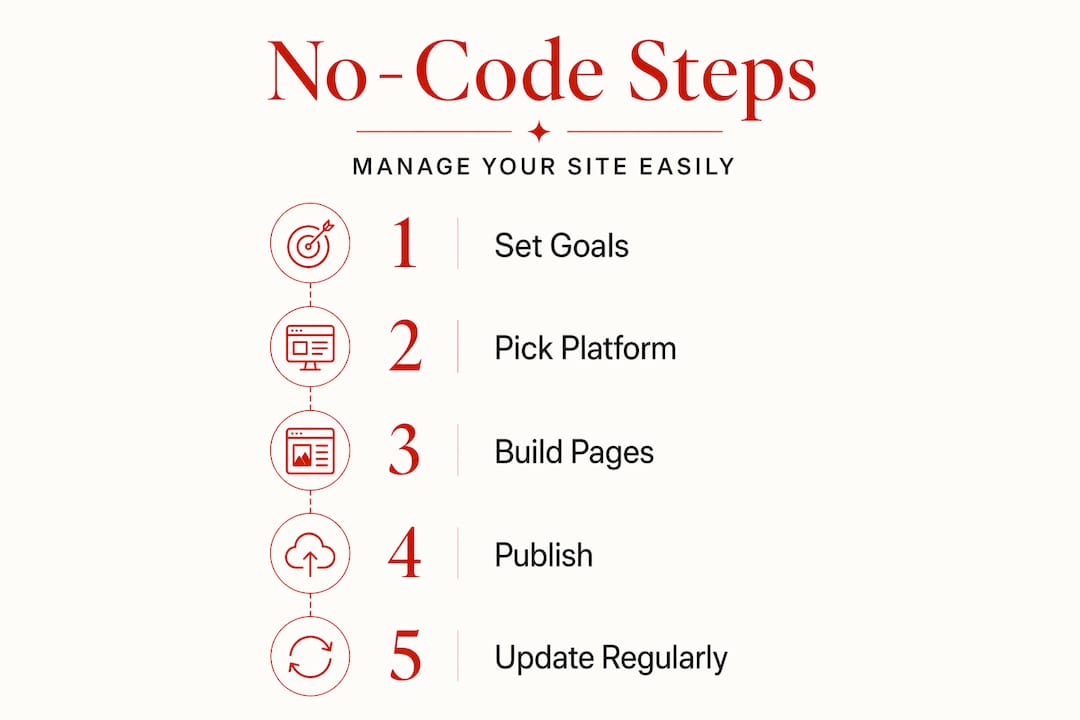
No-code platforms work best for simple websites where accessibility matters more than deep customization. If your needs grow into something complex, that's when low-code or custom-built solutions enter the picture.
Step-by-step: building and managing your site without coding
This process works whether you are starting from zero or taking over a site someone else set up for you.
-
Choose your platform based on your goal. Wix suits beginners who want drag-and-drop simplicity. Squarespace is better for visual portfolios and service businesses. WordPress.com works well for content-heavy blogs. AI builders like Hostinger's AI site creator or Wix ADI are the fastest option if you want something live today.
-
Pick a template that matches your industry. Don't spend hours customizing a template that was built for restaurants when you run a law firm. Start with something close to your actual use case. Swapping colors and fonts is fast. Rebuilding the layout from scratch is not.
-
Add your core pages first. Home, About, Services or Products, and Contact. These four pages cover 90% of what most small business websites need. You can add more later. Getting these four right and live beats having twelve half-finished pages.
-
Write your content before you design. Most people do this backward. They spend hours tweaking button colors and then realize they have no idea what to write. Draft your copy in a Google Doc first, then paste it in.
-
Set up your domain and connect it. Every major platform walks you through this with a step-by-step wizard. You do not need to understand DNS records. Just follow the prompts.
-
Schedule regular maintenance. This is where most non-technical site owners fall short. Ongoing tasks like SEO updates, backups, and security checks don't stop after launch. Put a monthly reminder on your calendar to review your site, check for broken links, and update any outdated information.
Pro Tip: Most hosted platforms handle security and backups automatically. If you are on WordPress.org, install a backup plugin like UpdraftPlus on day one before you do anything else.
Common challenges when managing a site without coding
Running a website without technical skills is genuinely manageable, but there are a few specific traps that catch people off guard.

Platform lock-in is real. When you build on Wix, your content lives in Wix's system. Moving to another platform later means rebuilding almost everything from scratch. Choosing the wrong platform early is one of the most common and expensive mistakes small business owners make. Think about where you want to be in two years before you commit.
SEO basics are non-negotiable, even without coding. You don't need to write code to handle SEO, but you do need to understand page titles, meta descriptions, and image alt text. Every major platform has built-in SEO fields. Fill them in for every page and every blog post. Ignoring them means your site exists but nobody finds it.
Security is mostly handled for you on hosted platforms, but not entirely. Using a strong, unique password and enabling two-factor authentication takes two minutes and protects you from the vast majority of threats.
"The biggest mistake non-technical website owners make isn't choosing the wrong tool. It's assuming that once the site is live, the work is done. Websites need regular attention to stay fast, secure, and visible."
Know when to ask for help. If your site goes down, loads slowly, or breaks after an update, that's the moment to call in a professional. Trying to fix something you don't understand can make it worse. Many freelancers offer affordable one-time fixes for specific problems without requiring you to hand over the whole site.
AI and automation tools that save you time
The no-code website management space changed dramatically when AI builders became mainstream. AI-powered builders can generate a working website from a plain English description in under five minutes. That's not a marketing claim. It's a measurable shift in how fast non-technical users can get online.
Here's how modern AI and automation features help you manage your site more efficiently:
| Feature | What it does | Time saved |
|---|---|---|
| AI site generation | Builds layout and copy from a text prompt | Hours to days |
| Automated backups | Saves your site on a schedule without manual steps | 30+ minutes per month |
| SEO monitoring tools | Flags missing titles, broken links, and slow pages | 1-2 hours per month |
| Image optimization | Compresses images automatically on upload | Ongoing |
| Content scheduling | Publishes posts at set times without manual action | Variable |
The performance gains are real too. AI-assisted layout generation has produced conversion increases of 340% in documented case studies compared to older custom-coded versions. That said, AI is not a set-it-and-forget-it solution. AI builders solve roughly 80% of the site creation process, but the remaining 20% often requires human review to catch structural shortcuts that create problems at scale.
Pro Tip: Pick one AI tool and learn it well. Mastering a single builder gives you more control over your site than dabbling in five different platforms and understanding none of them deeply.
Comparing platforms for long-term ease of use
Not every platform suits every person. Here's a direct comparison of the most popular options for non-technical users:
| Platform | Ease of use | Customization | Cost | Best for |
|---|---|---|---|---|
| Wix | Very easy | Moderate | Free to $35/mo | Beginners, small businesses |
| Squarespace | Easy | Moderate | $16 to $49/mo | Portfolios, service businesses |
| WordPress.com | Moderate | High | Free to $45/mo | Bloggers, content sites |
| WordPress.org | Harder | Very high | Hosting cost varies | Advanced users, scalable sites |
| Webflow | Moderate | Very high | $14 to $39/mo | Design-focused users |
A few things worth knowing before you decide:
- Wix and Squarespace prioritize simplicity but can limit URL structure and SEO flexibility over time.
- WordPress.org offers deep customization through plugins but requires you to manage hosting, updates, and security yourself.
- Webflow's visual editor suits users who want design control without writing code, but you'll need to understand concepts like containers and breakpoints to use it well.
The honest truth is that for most small businesses and individuals, Wix or Squarespace will handle everything you need for years. WordPress.org is powerful but comes with a maintenance burden that surprises most non-technical users.
My honest take on managing websites without coding
I've watched hundreds of people go through this process, and the pattern is always the same. They start excited, pick a platform based on a YouTube ad, and then spend three weeks tweaking fonts instead of publishing content. Then they wonder why nobody visits their site.
Here's what I've actually learned: the platform matters far less than consistency. A simple Squarespace site updated weekly with real, useful content will outperform a beautifully designed Webflow site that hasn't been touched in four months. Every time.
What I've also seen trip people up is the assumption that more tools equals better results. It doesn't. In my experience, the people who manage their websites most effectively are the ones who picked one tool, got comfortable with it, and stopped looking for something shinier. The urge to switch platforms is almost always a distraction from the real work, which is creating content and serving your audience.
The one area where I think non-technical users genuinely underestimate the risk is platform lock-in. When everything is going well, you don't think about it. When you need to scale or your platform raises prices by 40%, you feel it hard. Start with a platform that has clear export options, and keep a local backup of your content no matter what.
My advice to anyone starting out: launch something imperfect this week. You will learn more from a live site with real visitors than from six months of planning. The tools are good enough. You are good enough. Start.
— AngryZZen
How Thomasdesigns can take your site further
If you've been trying to manage site without coding and you've hit the ceiling of what templates and drag-and-drop builders can do, there's a different path worth knowing about.
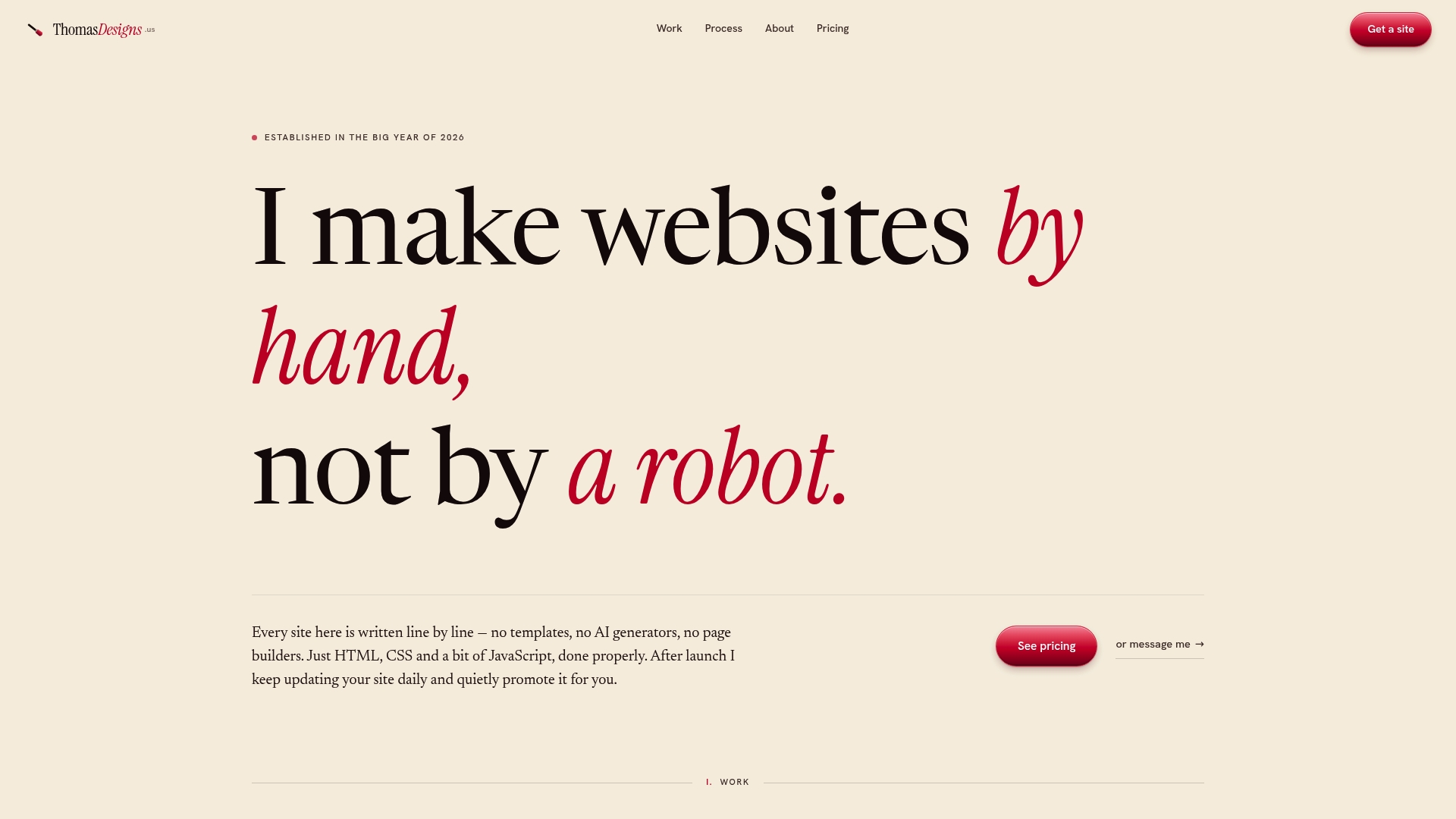
Thomasdesigns builds every website by hand, using HTML, CSS, and JavaScript, with no templates and no AI shortcuts. Each site is built specifically around what your business actually needs, not what a template happens to offer. Clients get daily updates and ongoing promotion after launch, which means your site keeps improving without you having to manage it yourself. If you want a web presence that stands out and grows with you, explore custom website services at Thomasdesigns to see what a truly personalized site looks like.
FAQ
Can I really manage a website with no coding knowledge?
Yes. Platforms like Wix, Squarespace, and WordPress.com are built specifically for non-technical users and handle hosting, security, and updates without requiring any code.
What is the easiest platform to build a website on?
Wix is widely considered the most beginner-friendly option, with a drag-and-drop editor and AI-assisted setup that can have your site live in under 15 minutes.
How do I keep my website secure without technical skills?
Use a strong unique password, enable two-factor authentication, and choose a hosted platform that handles security updates automatically. These three steps cover the majority of common threats.
What are the risks of using no-code website builders?
The main risks are platform lock-in, limited SEO flexibility, and scalability ceilings. Choosing the wrong platform early can lead to costly migrations when your business grows.
When should I hire a professional instead of using a no-code tool?
Hire a professional when your site needs custom functionality, when performance is suffering and you can't diagnose why, or when your brand needs a look that templates simply can't deliver.